











Free 2D/3D CAD Software M4 PERSONAL
CAD freeware for home, business and university use. Download now for free and create your CAD drawings.
The information from this contact form is automatically forwarded to us via a secure connection and stored by us for further processing. By submitting the contact form, you agree to our data protection guidelines and thus to the storage of your personal data.
Supported operating systems: Microsoft® Windows 10 and Windows 11
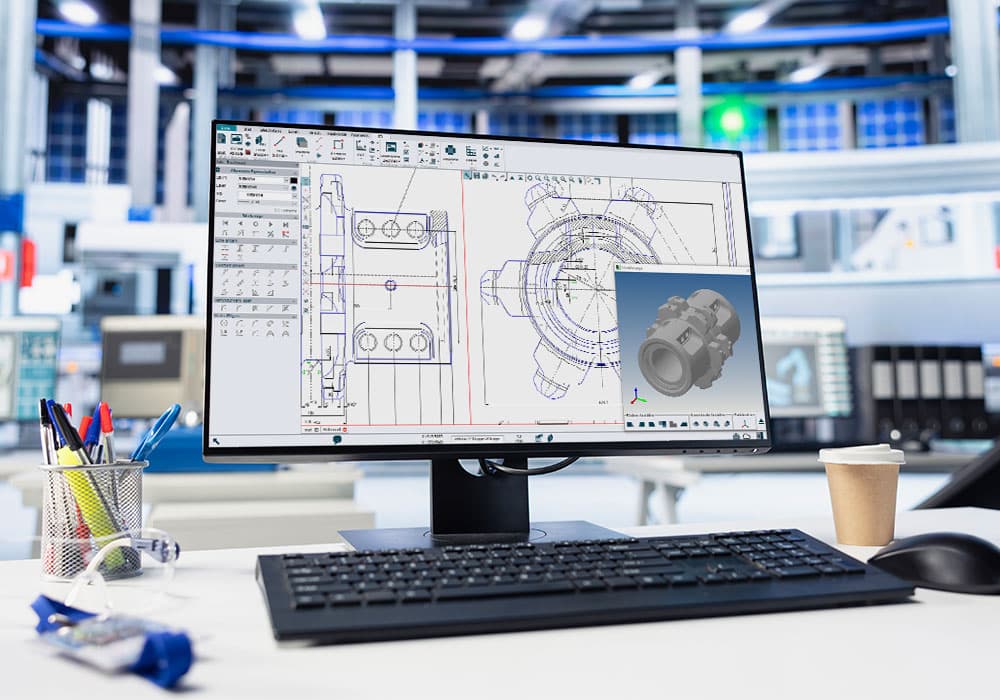
M4 PERSONAL is the powerful free 2D/3D CAD package
DWG/DXF/PDF Conversion
Save your M4 PERSONAL drawings in M4 PERSONAL directly as DWG, DXF or PDF (File > eSERVICES). All converted drawings can be used commercially and without restrictions!
for companies
Advantages of the free CAD software
Open and edit drawings in common formats (e.g. DWG or DXF) and convert them to PDF, DWG or DXF.
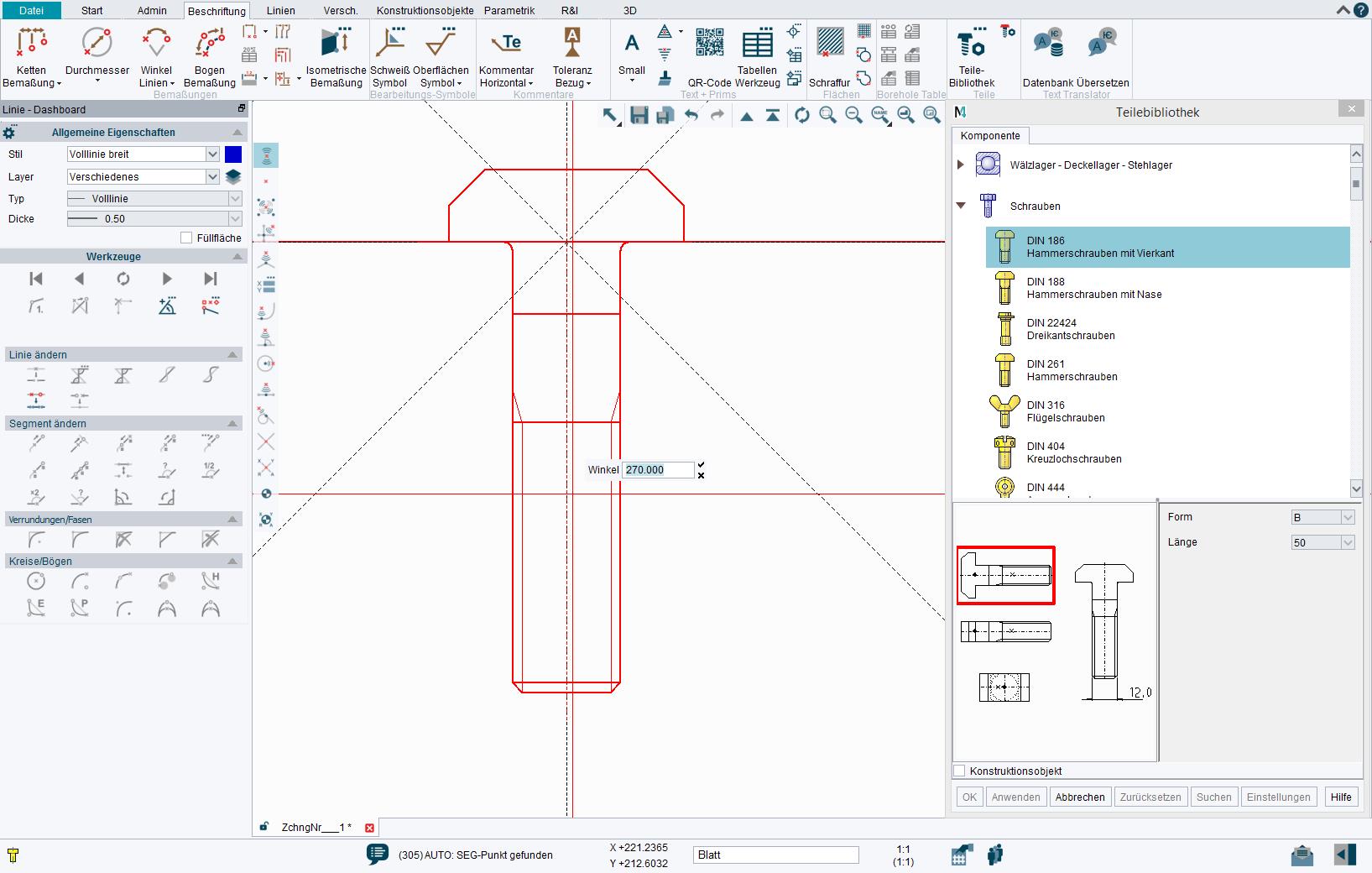
Support for Metric and Imperial units and all common dimensioning standards. Drawing styles and templates are also customisable.
With M4 PERSONAL you can start your projects right away. If your requirements increase, you can always switch to the M4 DRAFTING package for companies.
In order to help you get started with M4 Personal, we regularly upload new tutorial videos to our Youtube Channel, covering topics ranging from simple 2D drawing creation to 3D modelling.
Behind our help centre is an intelligent Knowledge Database (KDB). You can directly ask questions and our KDB will offer helpful suggestions and solutions.
The software also includes comprehensive documentation to guide you from the very first concept through to the finished design.
Our products are used worldwide with over 250,000 licenses
M4 PERSONAL modules & functionality
- 2D Drafting
- 3D Modelling
- Parametrics
- Sheet Metal Design
- Dimensions, texts and tables
- SMART Drafting Tool
- SMART Edit
- Text Translation Tool
- Diagram Symbols
- Parts Numbers and Parts Lists
- CloudConnect
- DWG/DXF Interface
DXF/DWG Interface
Customisable menus
SMART Drafting Tool
SMART Edit
2D Drafting
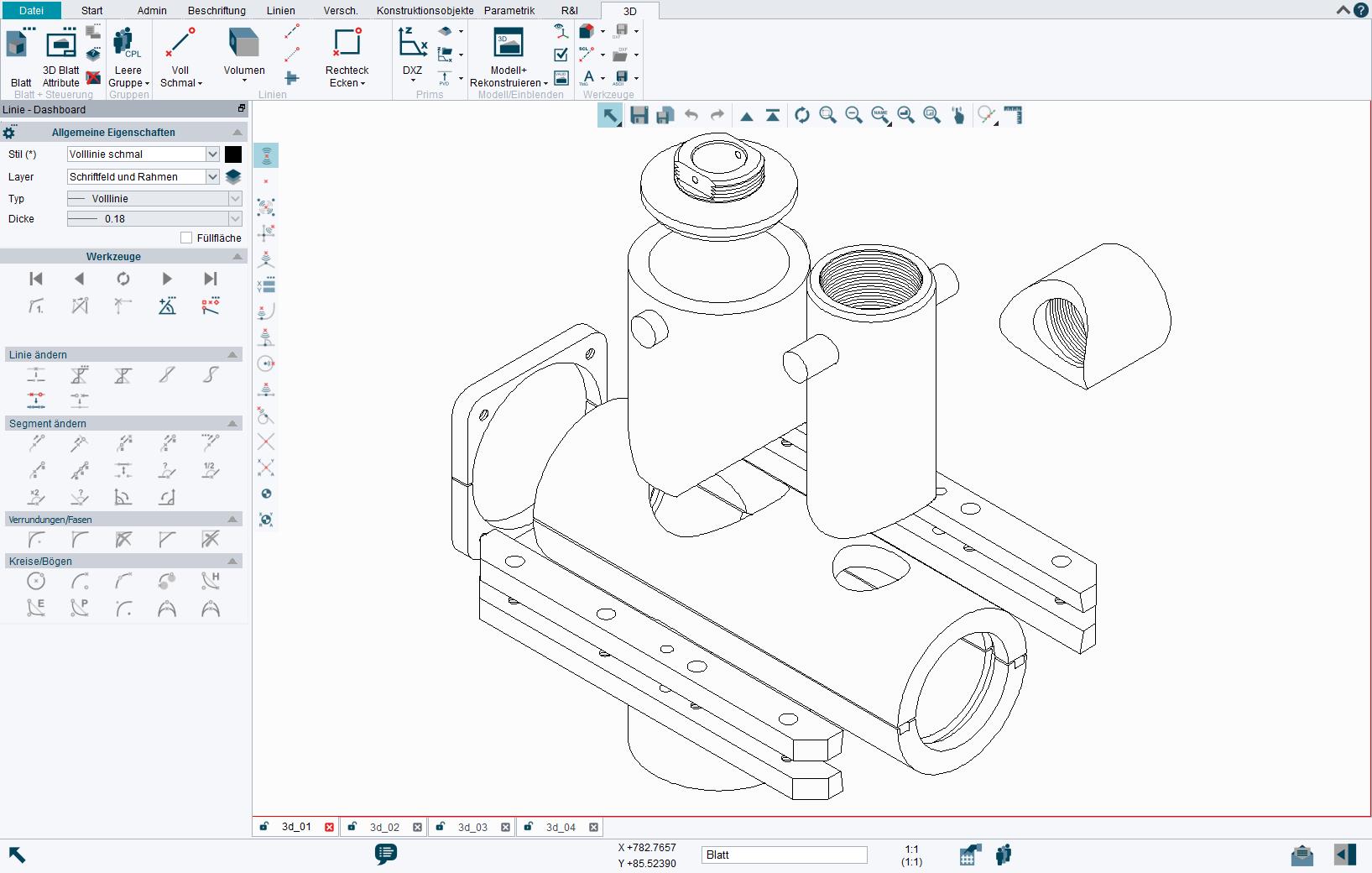
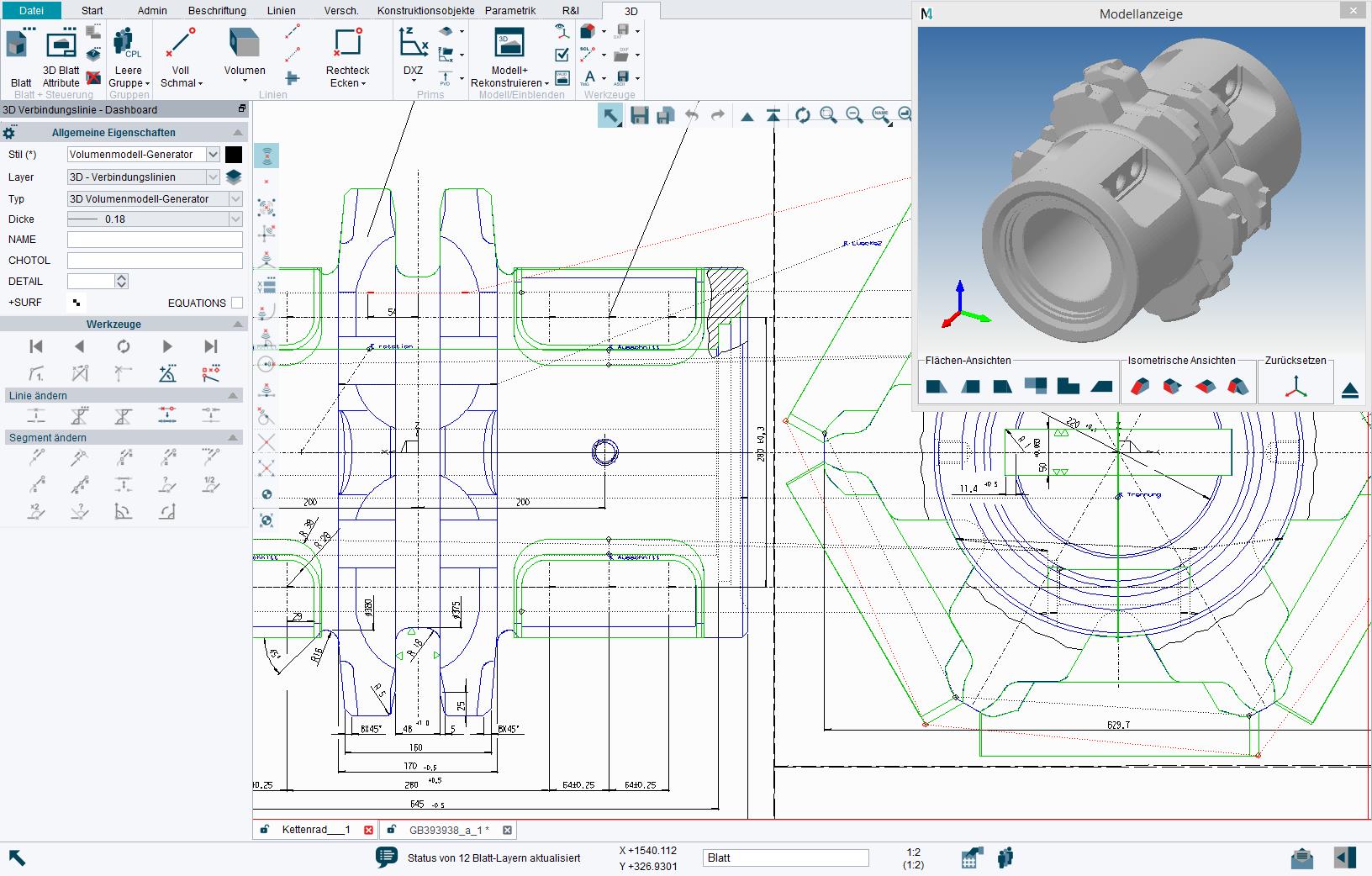
3D Modelling
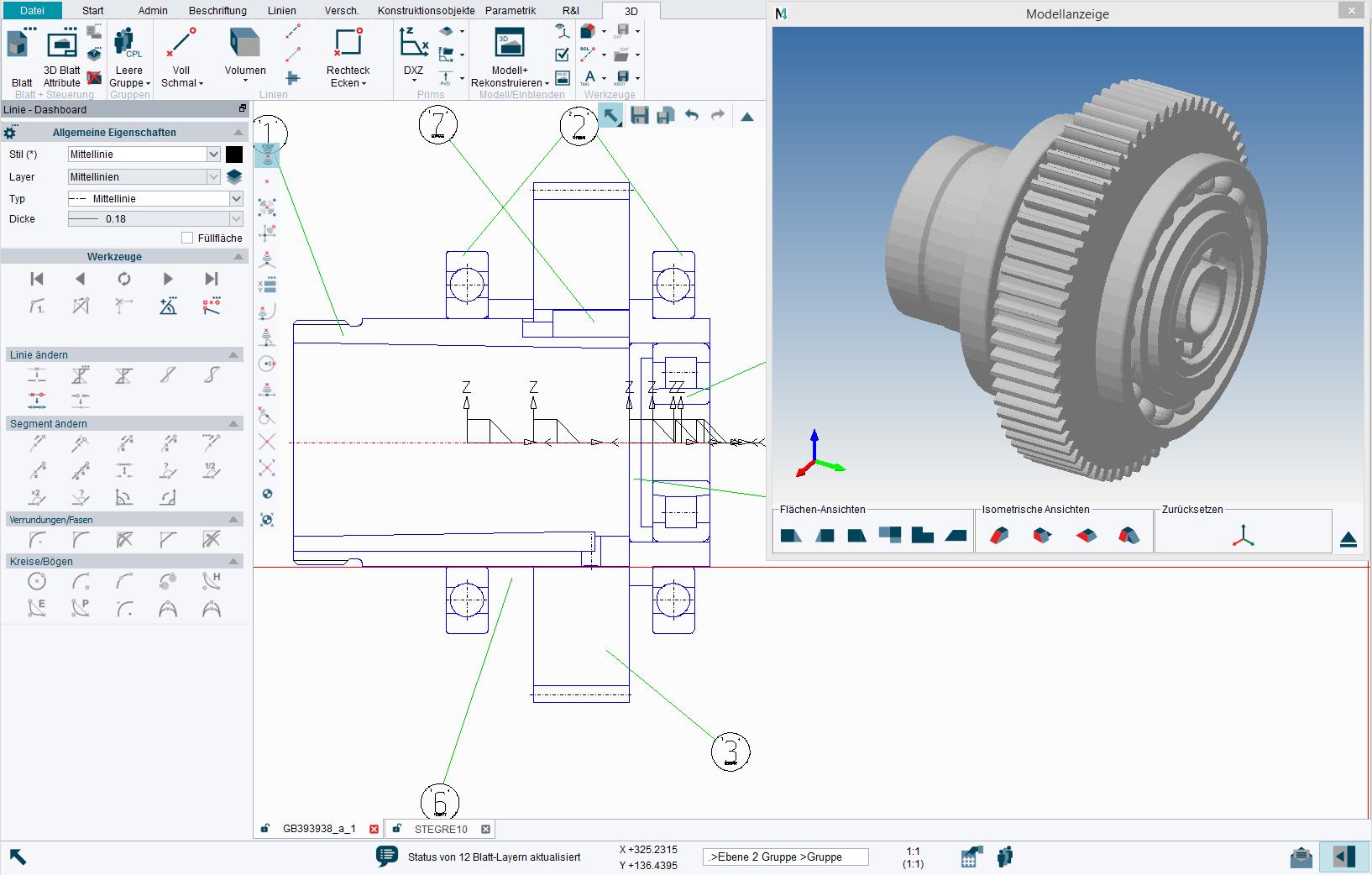
M4 PERSONAL contains the free basic 3D add-on, which allows users to quickly create 3D models based on 2D drawings – also known as “sheet-based modelling”. This simple method was developed for designers who want to take their existing knowledge into a 3D world, making it accessible even to people without 3D modelling knowledge. The software also provides an integrated 3D model viewer.
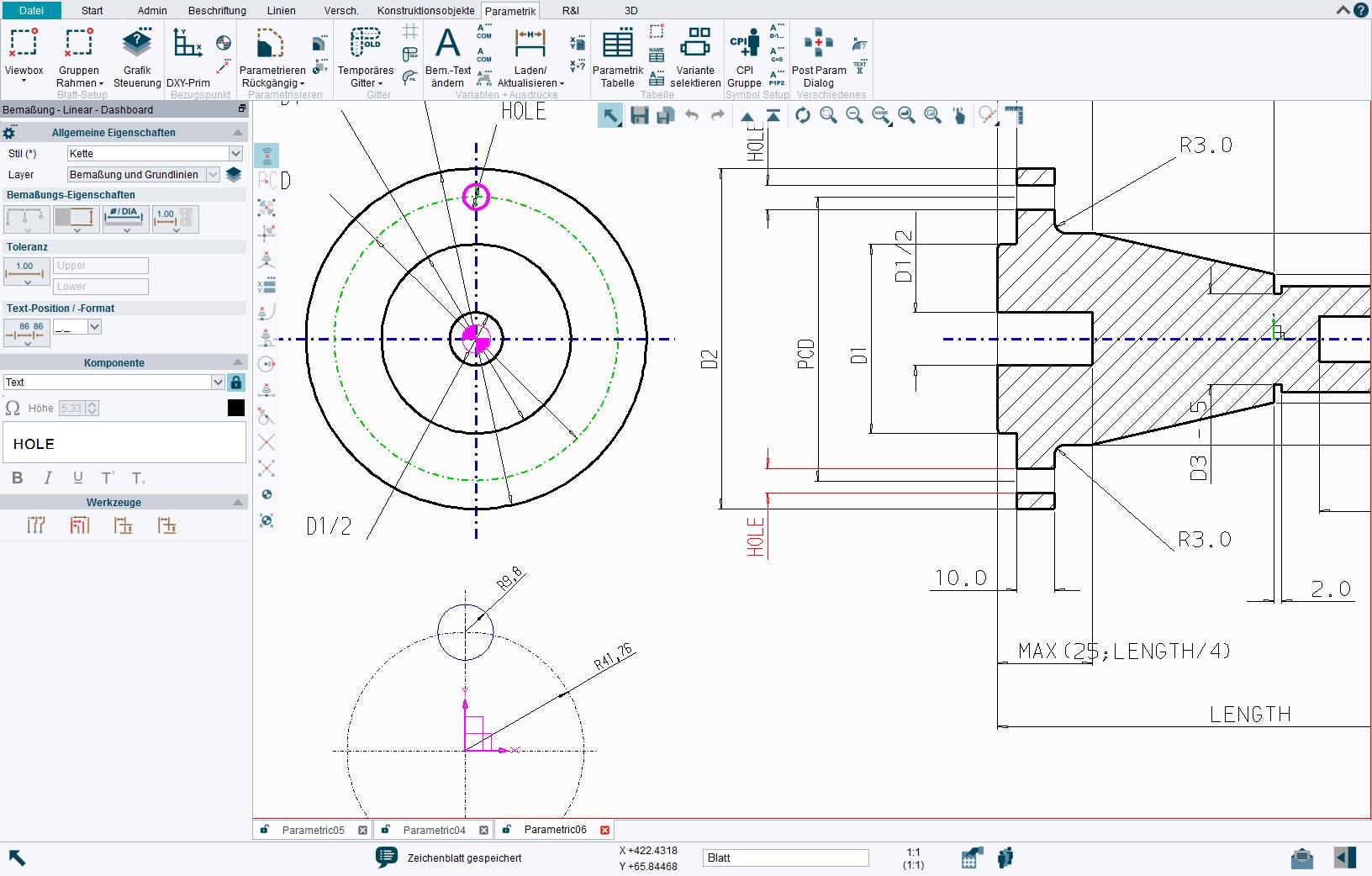
Parametrics
The PARAMETRICS (variational geometry) module included with M4 PERSONAL provides the functionality required to parameterise 2D drawings to quickly create design variants, and to automate many manual design, simulation and testing processes.
Raster Image Integration
M4 PERSONAL also contains the MEDRaster module for integrating, editing and saving colour or monochrome images (including scanned in hand drawings) within new or existing designs. The software supports raster images in the following formats: JPG, PNG, BMP and TIF.
Sheet Metal Design
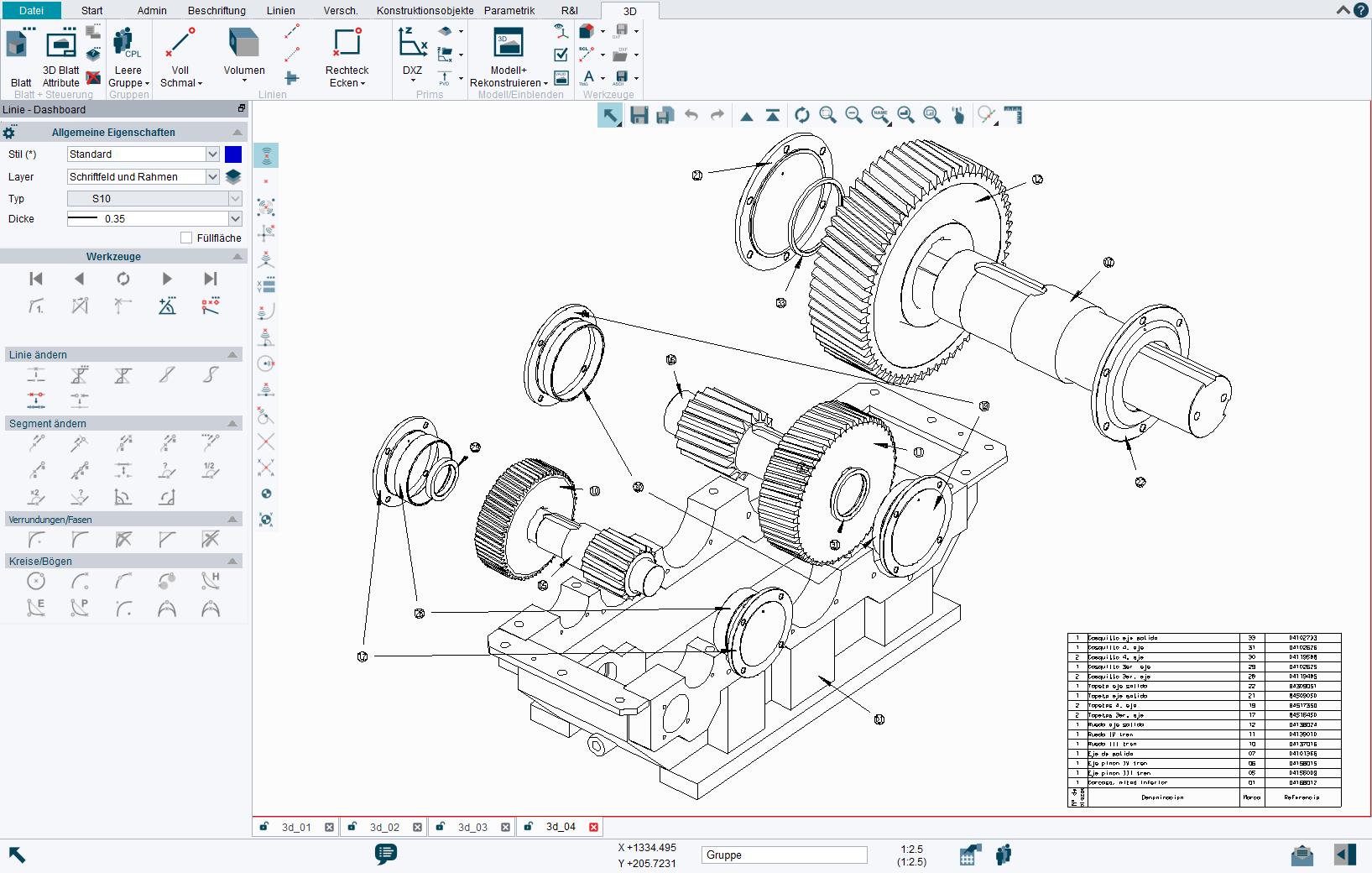
Parts Numbers and Parts Lists
The free MEDUSA4 Personal 2D/3D CAD program allows users to add attributes to elements on a sheet, including parts numbers, item number balloons and user defined attributes. These can then be included in automatically generated parts lists, which can be positioned on the drawing or exported.


